Personal build · 2026
Shelved
Track what you've put up, jar by jar. Shelved keeps a tidy record of everything you've canned and stashed in the basement, then tells you what is running low and what to use soon.
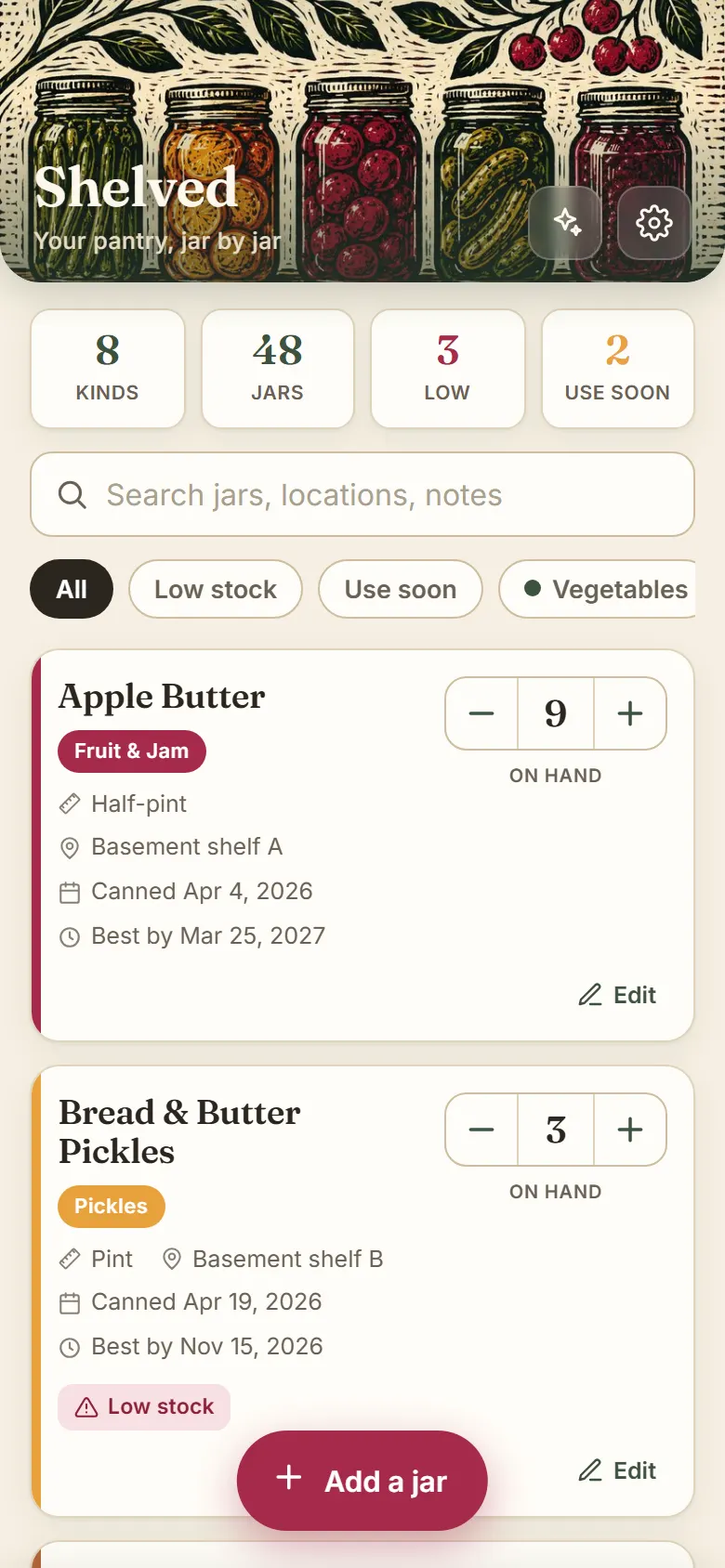
Track what you've put up, jar by jar. Shelved keeps a tidy record of everything you've canned and stashed in the basement, then tells you what is running low and what to use soon.
Built because I kept finding mystery jars in the basement and could never remember how much jam was left. So I made the app that keeps count.
A real inventory you keep over time, not a one-off list. Add jars, count them down as you eat them, and let the app watch the shelf for you.
Every jar on one screen, with a running tally up top. Search by name, location, or note, and filter to a single category with a tap.
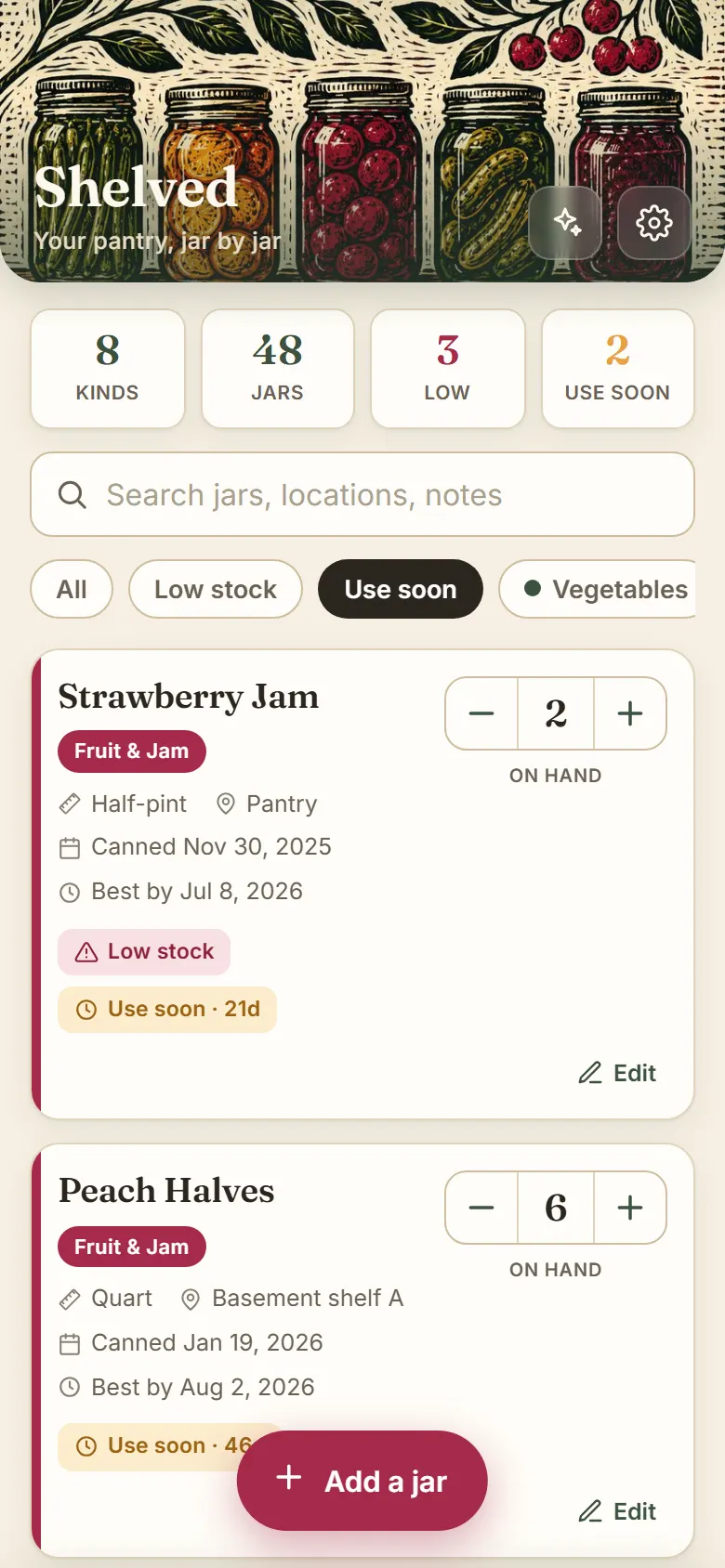
Tap minus when you open a jar. Shelved tracks the count and quietly flags anything that is getting low or coming up on its best-by date.
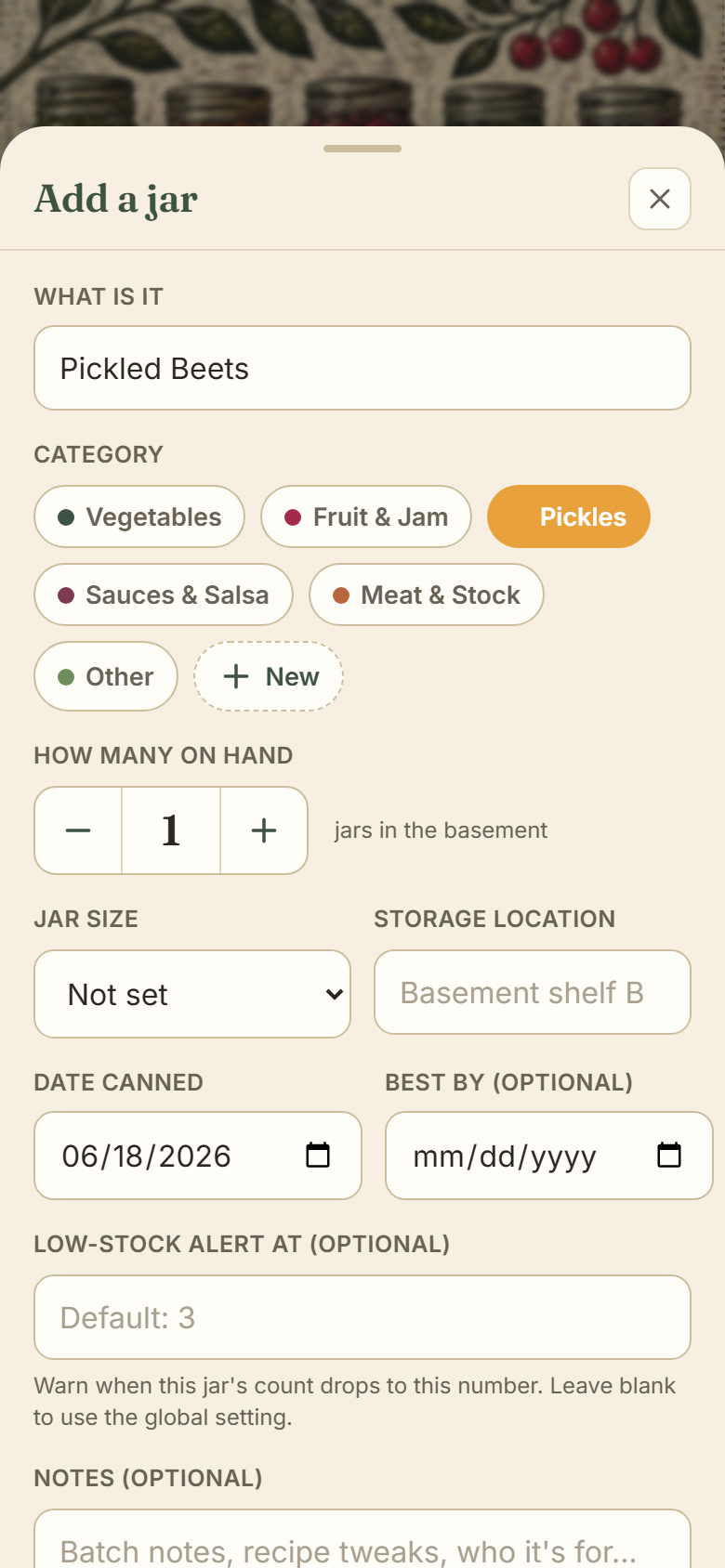
Name it, pick a category, set the count, and you are done. Add a size, a basement shelf, a canned date, a best-by, and notes whenever you want the detail.
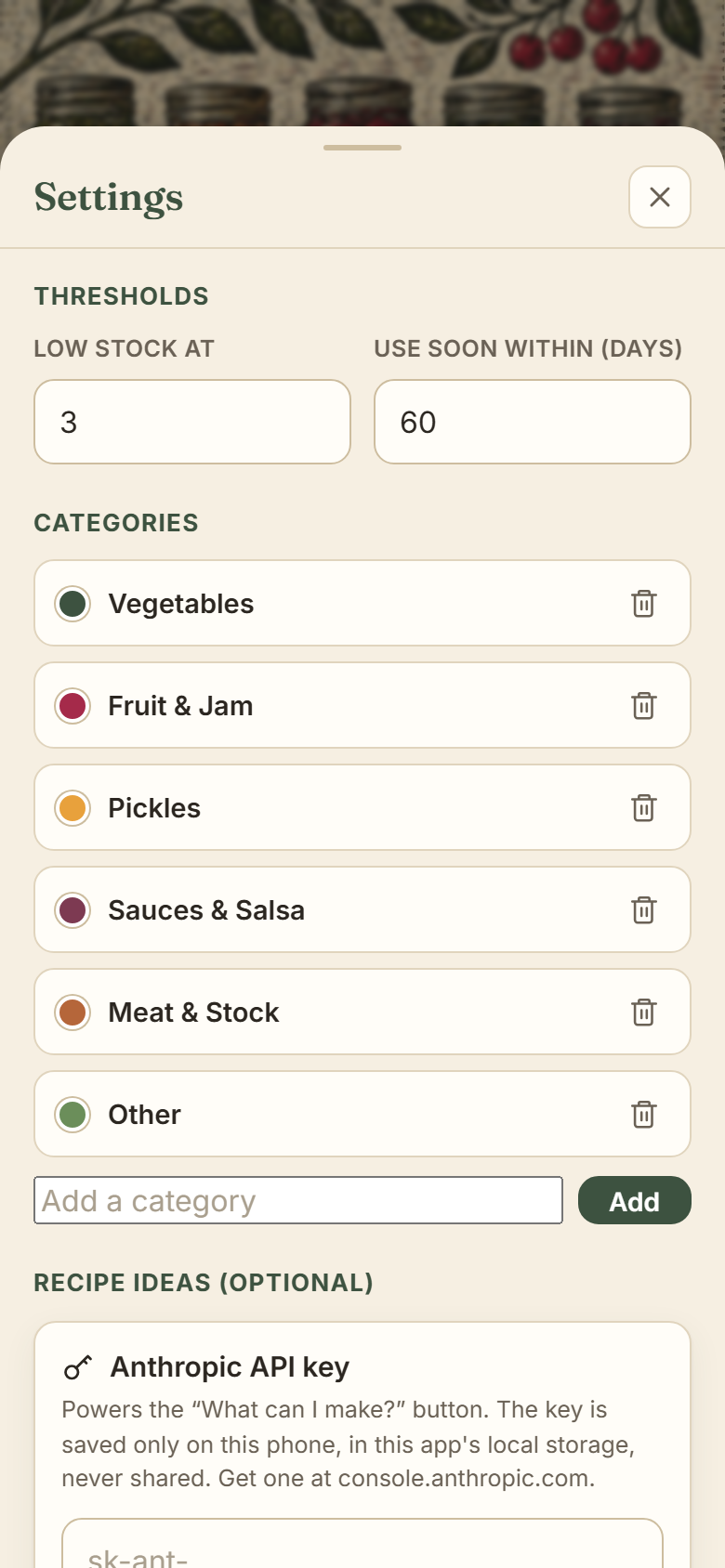
Everything saves locally on your device, so the public link holds no data and no keys. Tune your thresholds, export a backup, and add an optional API key for recipe ideas.
No account, no app store, no setup. Save it to your home screen and start logging.
Log each jar as you can it: what it is, how many, the date, and an optional best-by. New categories take one tap.
Tap minus each time you open a jar. The running totals and category views update the moment you do.
Let Shelved flag what is running low and what is nearing its best-by, so you cook it before it turns.
Shelved is a single HTML file you save to your home screen like a native app. Unlike a throwaway tool, it keeps your data over time, all of it on your own device.
Your inventory lives in the browser's local storage under a single versioned key, with a schema that can migrate older saves instead of breaking them, plus export and import so a backup is one tap away. There is no server, so there is nothing to breach and nothing to spam. The optional recipe feature uses an Anthropic API key that lives only in each person's settings, which means the link is safe to share publicly and the app works fully without one. A small app, built the way I think small apps should be built: useful first, charming second, and honest about where your data lives.
Open Shelved, add a few jars, and watch the basement finally make sense.
Open Shelved